Yocto 项目(可生成K1可用的SDCard 镜像)

链接:
github仓库

进迭时空K1 Yocto SDK

本项目为 SpacemiT K1 平台提供一套 Yocto 层与构建脚本(通过 meta-k1/setup.sh 初始化),用于生成可刷写到 SDCard 的镜像。

功能简介

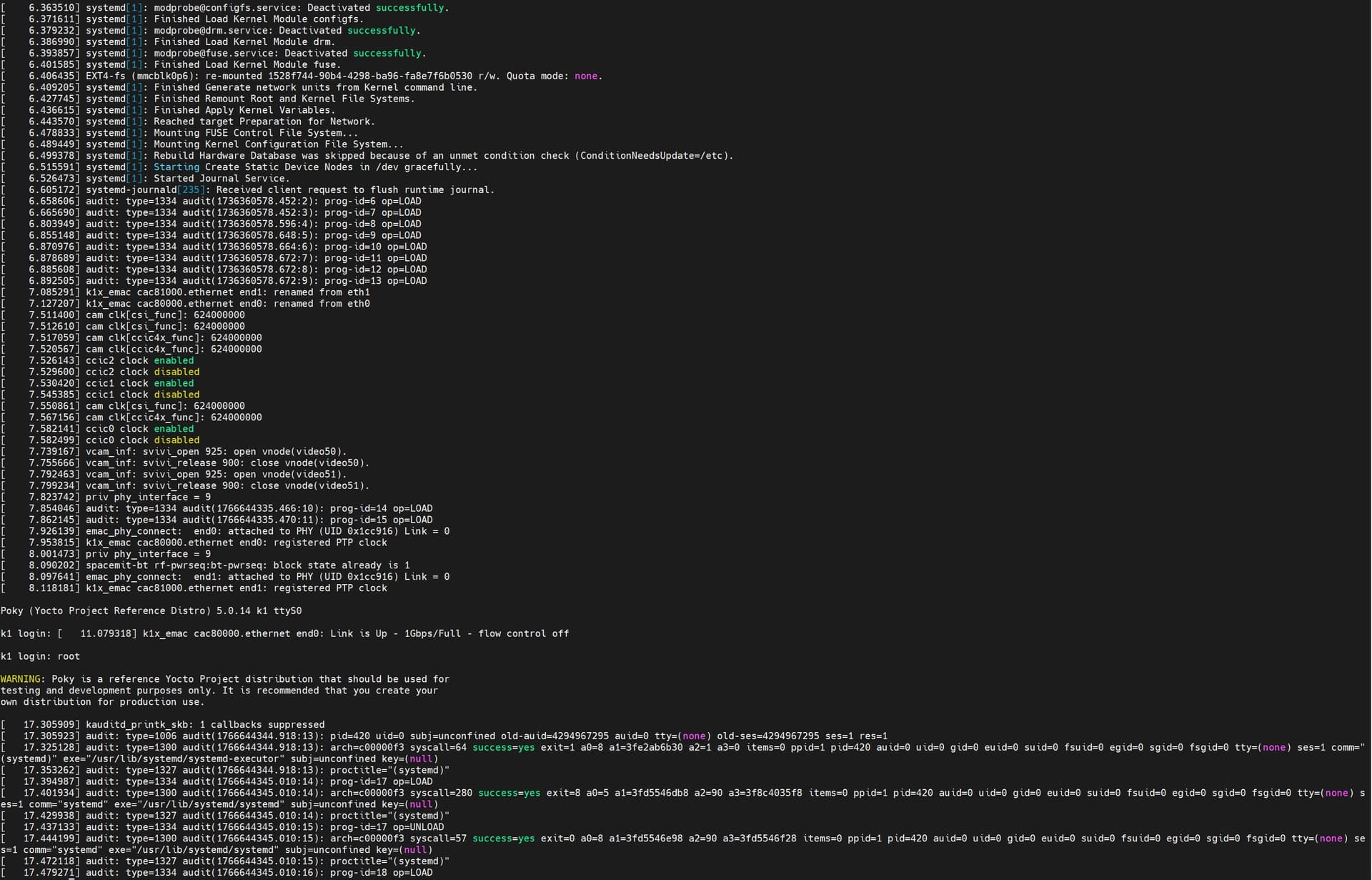
minimal镜像

极简 Linux,适用于快速启动、串口调试与基本网络测试。

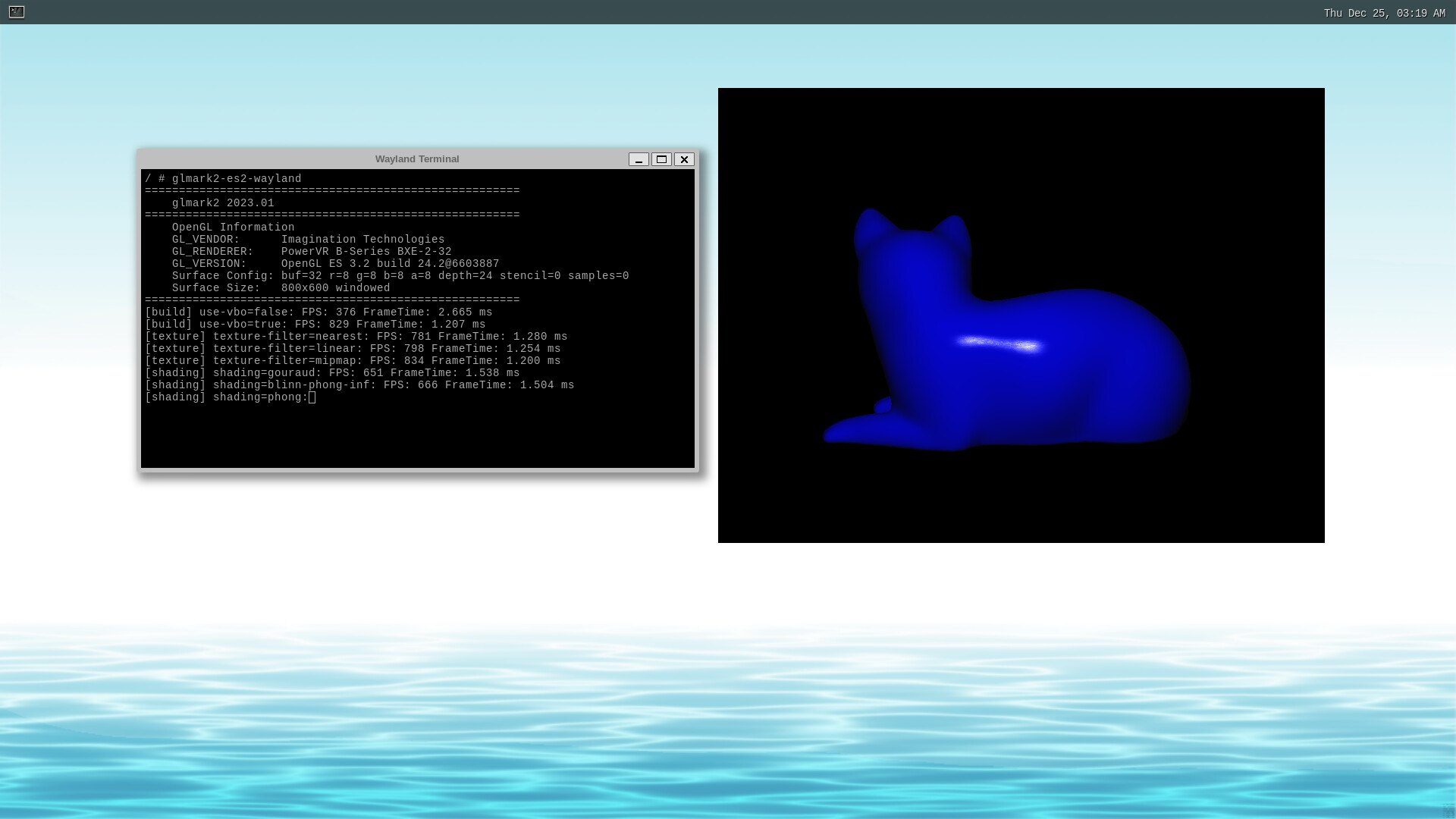
weston镜像

带 Weston(Wayland)合成器的图形环境,支持在 K1 上运行简单图形应用(可使用K1上的GPU进行加速)。

固件下载与刷机

  • 下载

  • 刷入示例(写入 SD 卡,操作前请确认目标设备)

    sudo dd if=core-image-minimal.wic of=/dev/sdX bs=4M conv=fsync status=progress
    sudo sync
    
  • 固件 root 用户密码:空(输入密码时直接按下回车)。

从本项目编译固件

运行环境与版本说明

  • 建议:Ubuntu 22.04/24.04、WSL2 或等效 Linux 环境。
  • 必要工具:gitbashpython3 及 Yocto 宿主依赖(参考 Yocto 官方文档)。

步骤

git clone https://github.com/yingjie-liu-spacemit/spacemit-yocto.git/'
cd spacemit-yocto
git submodule update --init --recursive
source meta-k1/setup.sh
bitbake core-image-minimal # 或 bitbake core-image-weston

构建产物

  • 存放在build/tmp/deploy/images/k1/(包含 .wic、bootfs等)。
1 Like

This is all great!

I just have a question: Will this program work with Bianbu Star 2.1.7 and Bianbu 2.2.1?

Thank you for your interest in our project. Regarding your inquiry about running the Yocto build system natively on RISC-V, we would like to highlight the following key challenges:

  1. Tooling Incompatibility: Most Yocto “native” tools are optimized for x86_64. Native builds on RISC-V often face missing patches and toolchain errors that require significant manual effort to fix.
  2. Performance Constraints: Build processes are resource-heavy. RISC-V hardware currently lacks the processing power and I/O speed of x86 servers, resulting in extremely long build times (up to 10x–50x slower).
  3. Limited Support: The industry standard is cross-compilation.

Currently, we have not attempted a native build on RISC-V ourselves. We suggest maintaining the cross-compilation model for stability. However, we are open to further discussion and would be happy to share insights if either side makes progress on this front in the future.
1 Like

Thank you for your detailed and comprehensive response!
I hope that eventually this project will be able to run directly on the RISCV architecture.