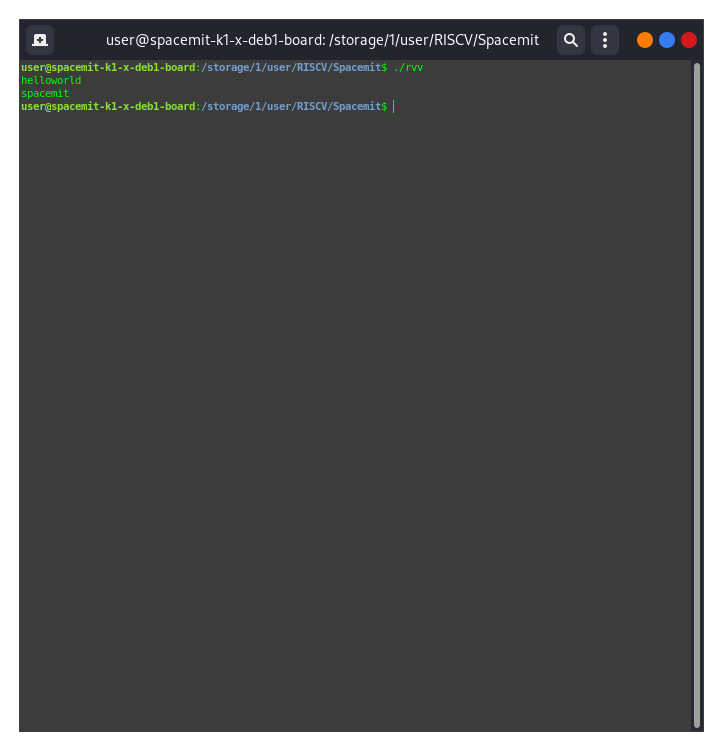
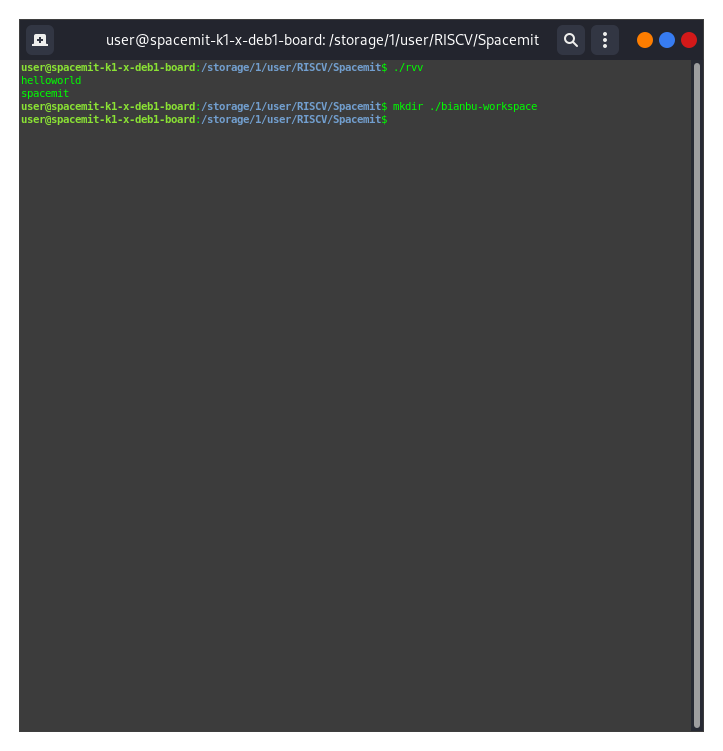
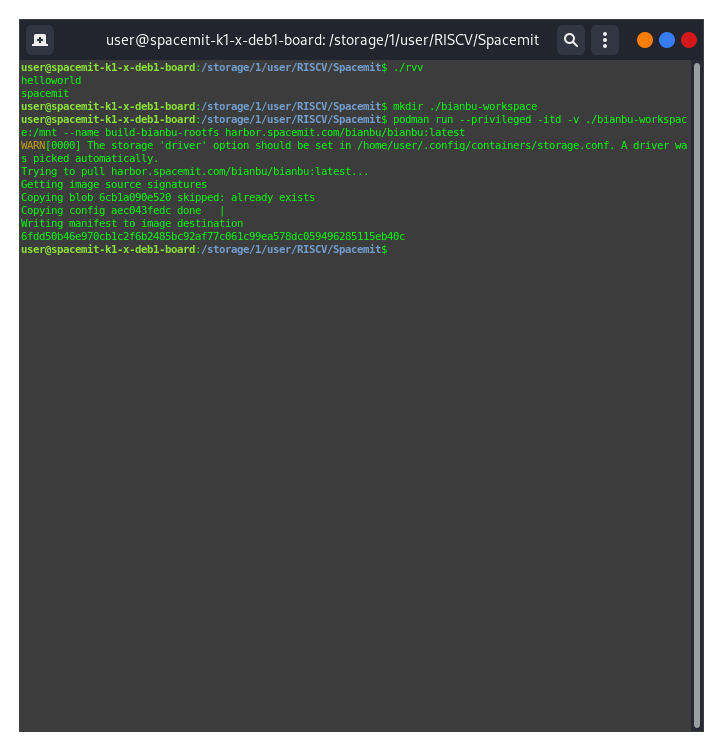
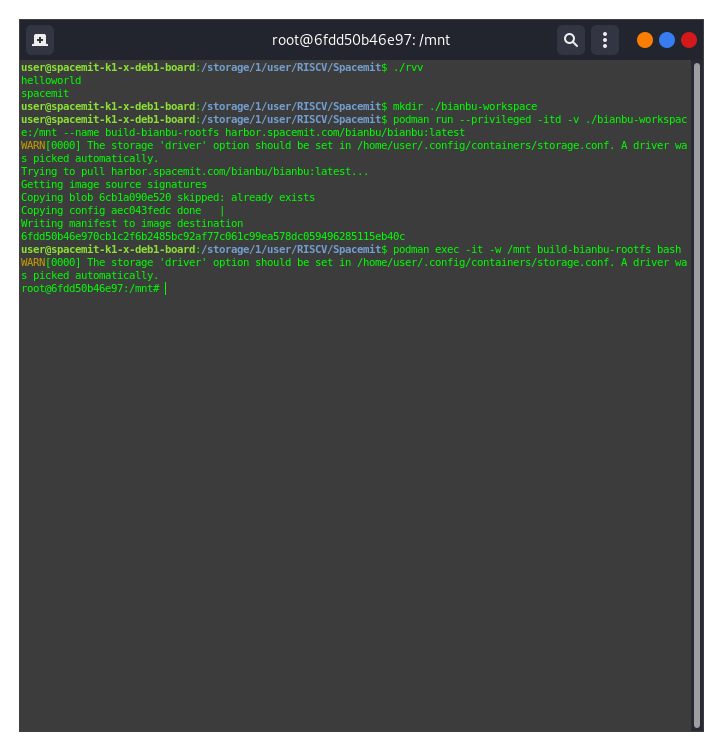
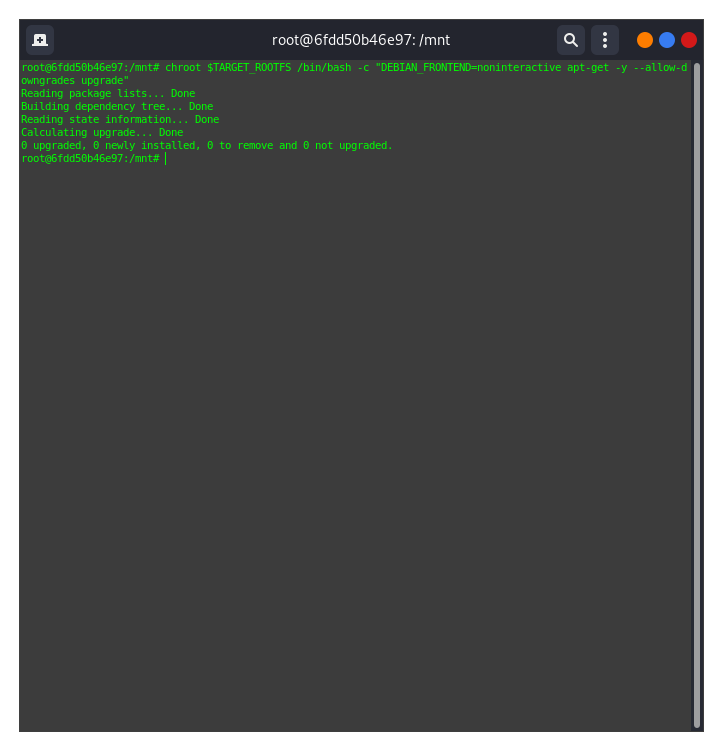
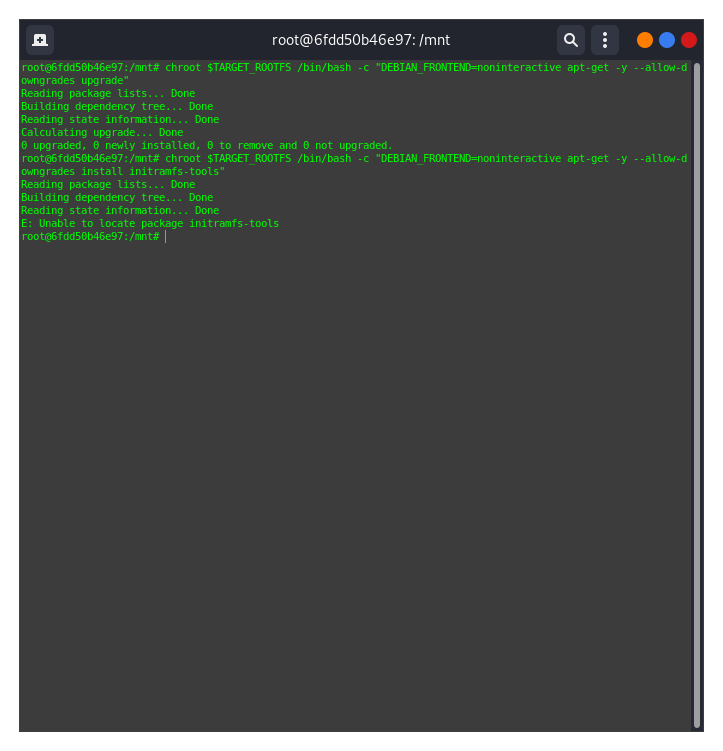
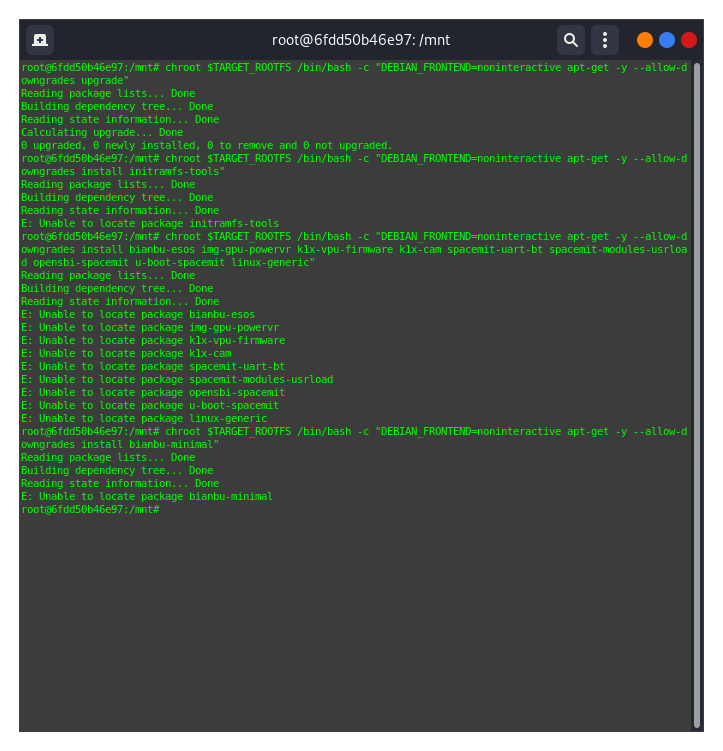
I’m trying to build rootfs according to the instructions on Ubuntu 24.04.3 LTS on x86 Arch, and when I try to chroot $TARGET_ROOTFS /bin/bash -c “DEBIAN_FRONTEND=noninteractive apt-get -y --allow-downgrades install bianbu-minimal” I get the following error - E: Unable to locate package bianbu-minimal !?
I also tried to assemble it on Banana Pi BPI-F3, the same error.
(1) Please ensure to use the basic root file system and .sources files of Bianbu 2.2 version, as maintenance has been discontinued in version 2.1
(2) If there are still errors, please provide a complete log of the development process
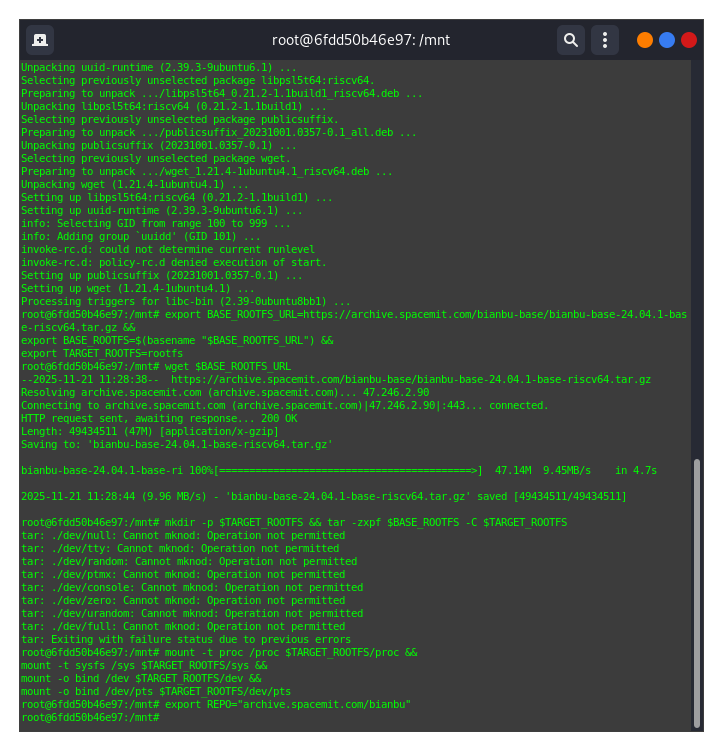
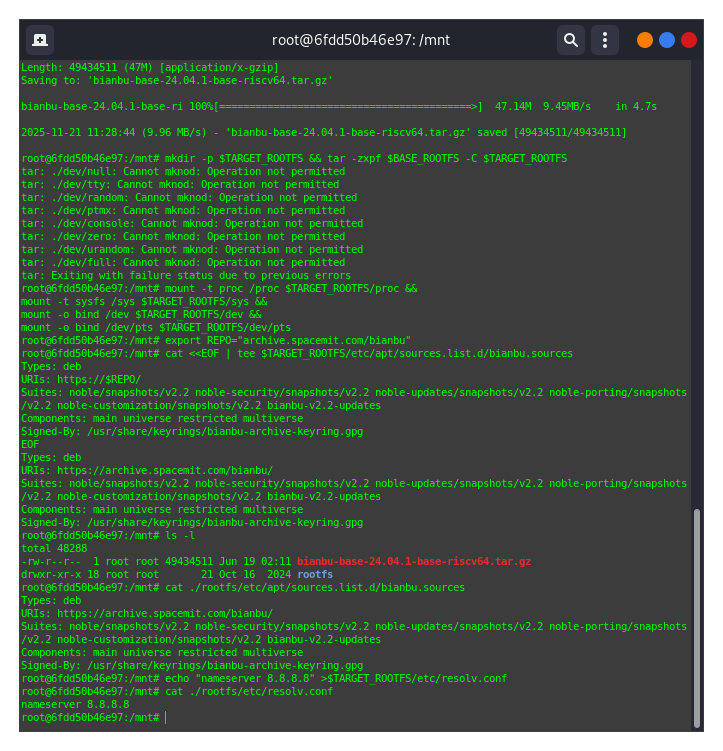
- Configure DNS:
Screenshot 12
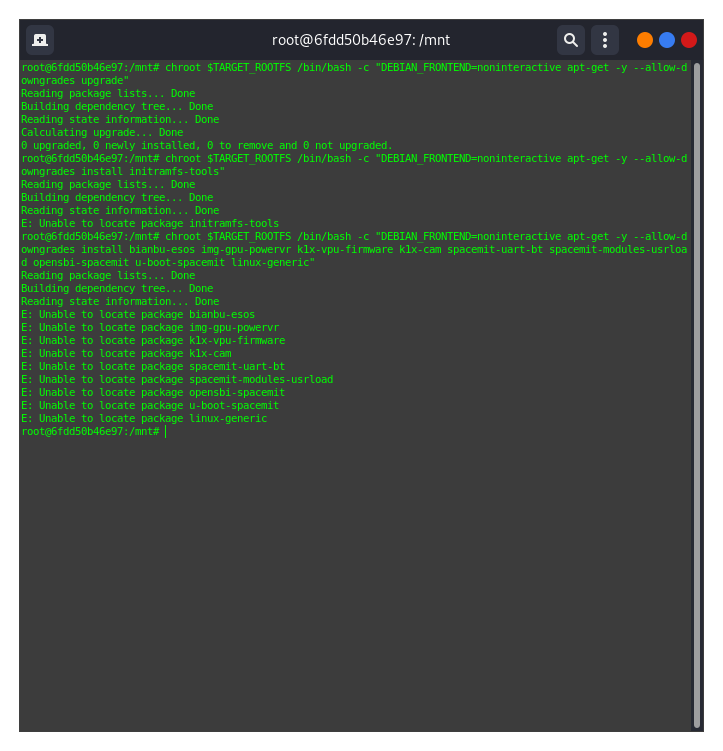
- Install Hardware-Related Packages:
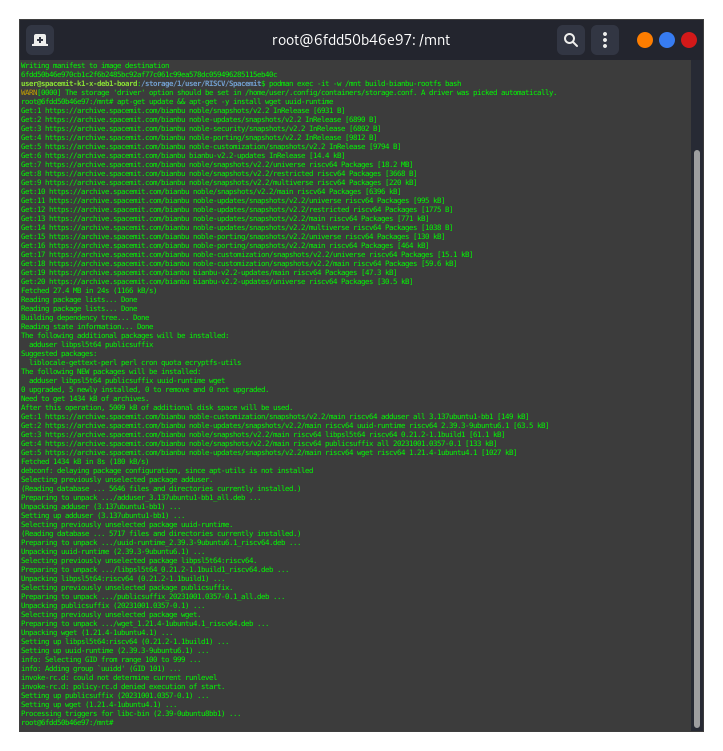
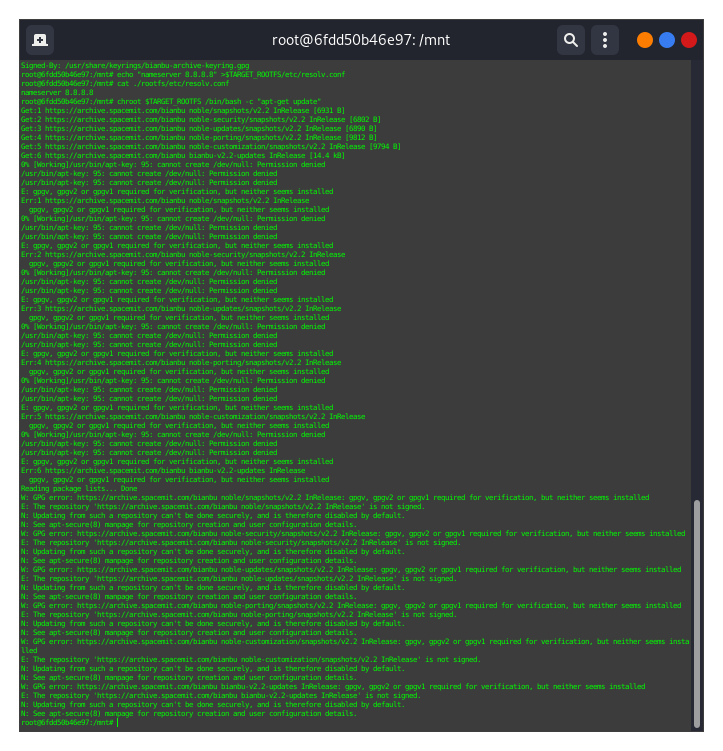
This is where the problems with downloading packages and the key begin:
Screenshot of the first line:
Screenshot 13
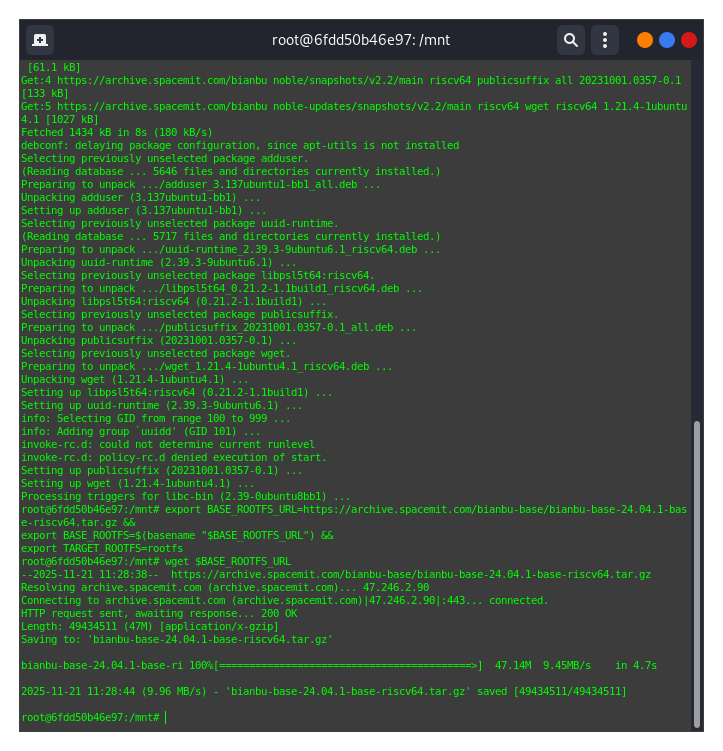
Screenshot of the second line:
Screenshot 14
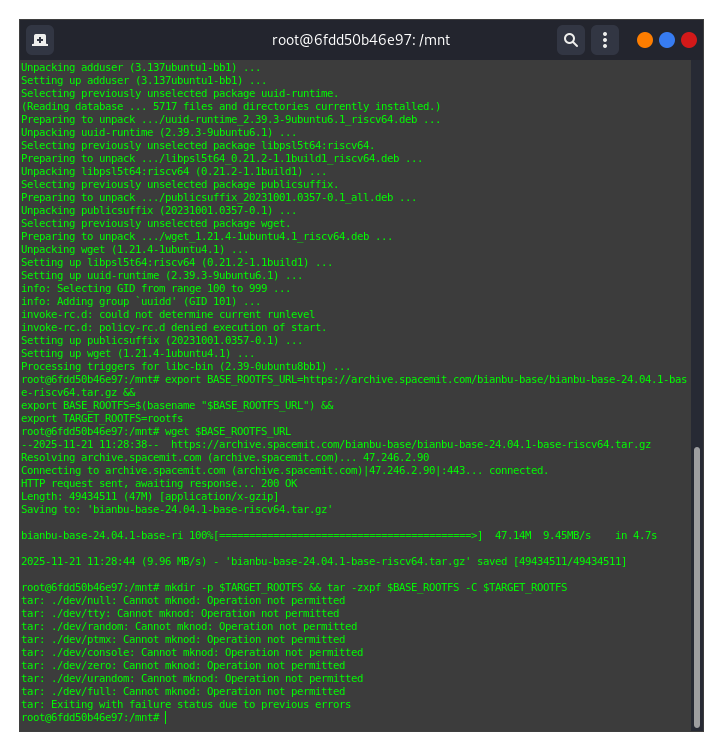
Screenshot of the third line:
Screenshot 15
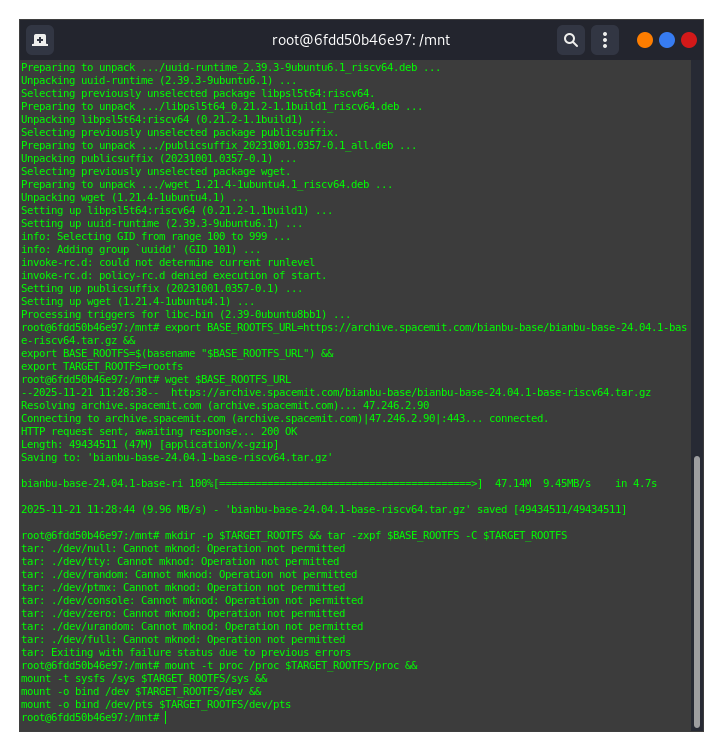
Screenshot of the fourth line:
Screenshot 16
- Install Metapackages:
I select Minimal version:
Screenshot 17
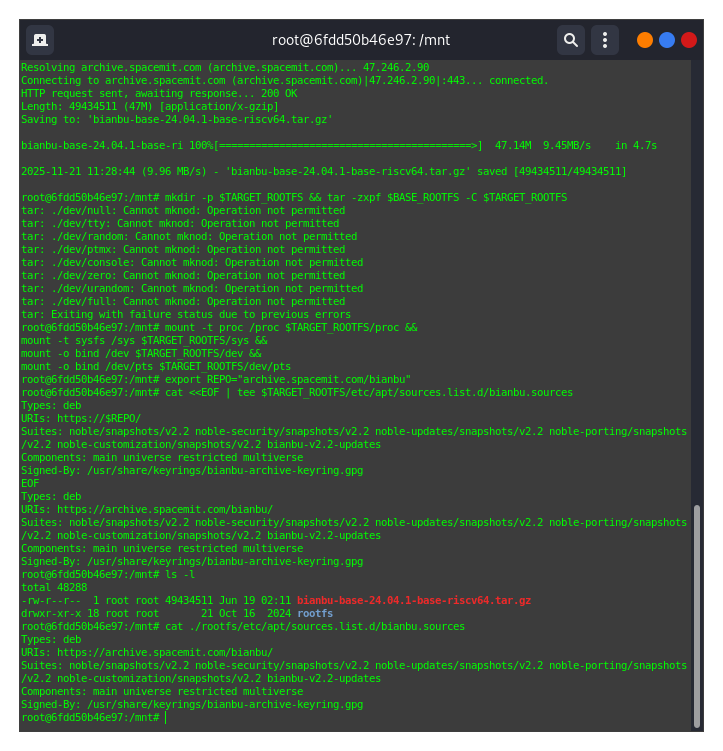
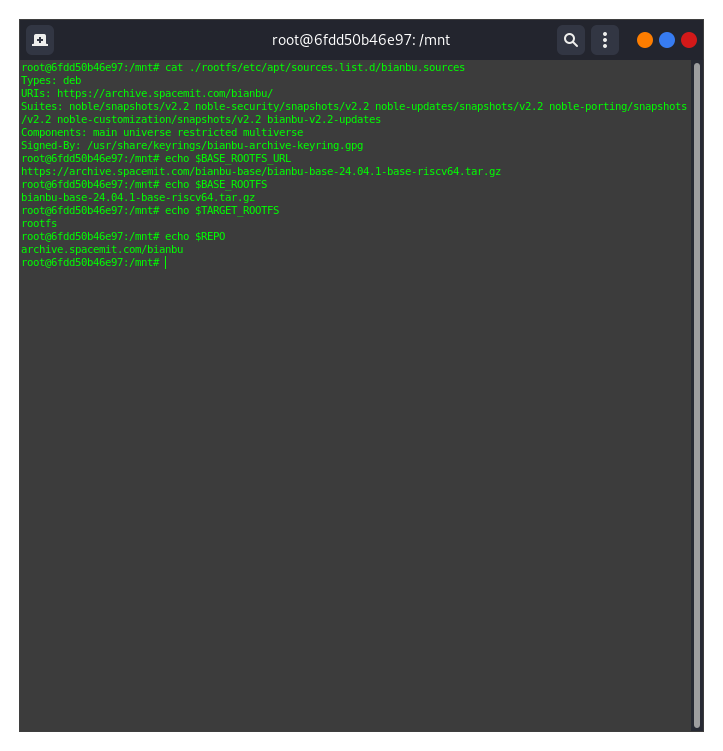
- I’ll also attach the output of several variables and the contents of the bianbu.sources file.
Screenshot 18
It seems to be a permission issue with Podman. We have not verified it on Podman, so we suggest using Docker to create it
Your
gave me another thought. The thing is, Docker itself runs with elevated privileges, while Podman requires configuration to run with user privileges for increased security. So, I don’t have Docker configured, even though it’s installed. I tried running it with “sudo docker” and… everything worked as instructed.
Now I’ve tried creating a container the same way with “sudo podman…”.
Eventually, everything worked in Podman as well.
Thanks for the tip. 
1 个赞
- Created both RootFS and an image for the SD card.
- Burned the image to the card using dd (sudo dd if=./bianbu-custom.sdcard of=/dev/sda bs=1M status=progress iflag=direct oflag=direct).
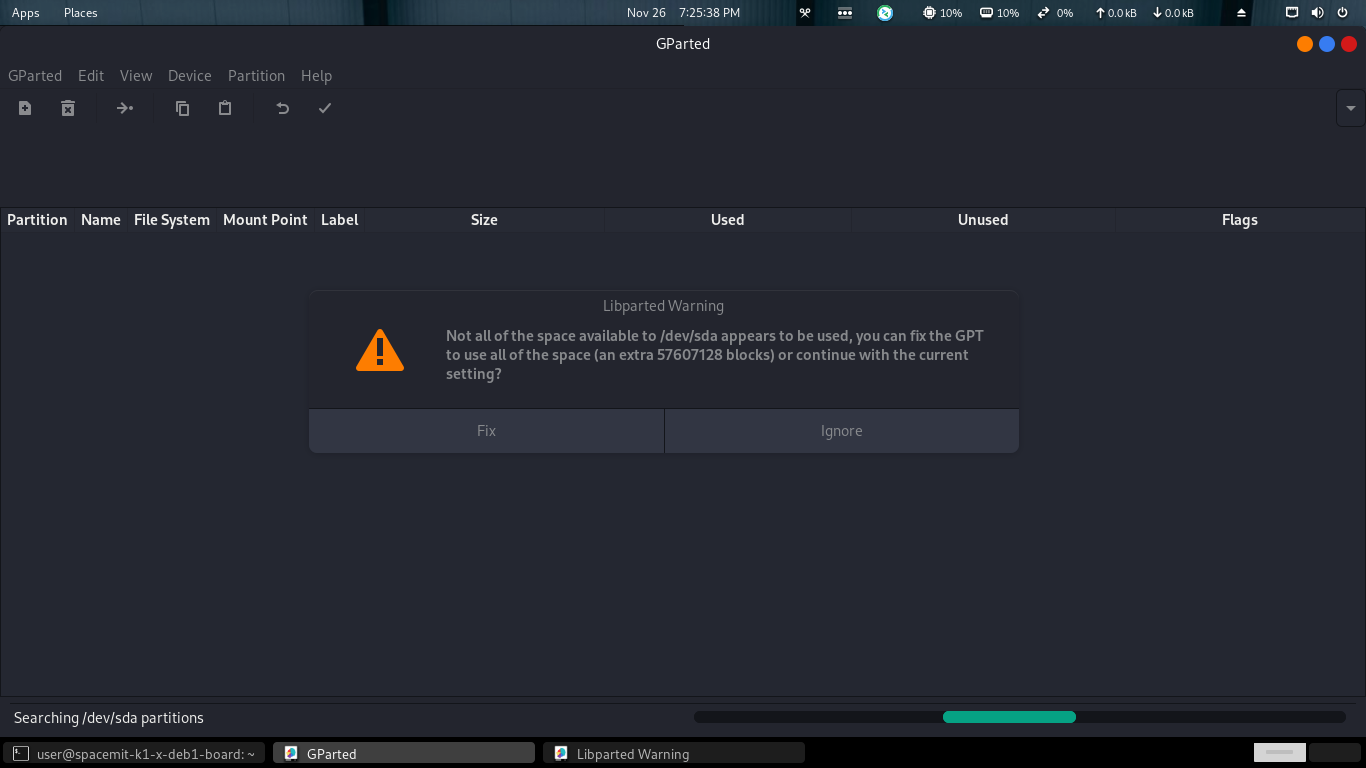
- I decided to check the file system table on the card. I ran sudo gparted and got this window
Screentshot gparted
When I tried to “Fix,” the file system table was corrected, but the card wouldn’t boot. If I ignored it, the rootFS partition remained 2GB in size, but booted normally.
Is there a way to fix the file system table without losing data on the card, or do I have to do it somehow when creating the RootFS or image??
- The problem turned out to be trivial: the memory card wasn’t being read correctly in the USB card reader. I reconnected the card and connected the card reader to a different USB port, which corrected the GPT error.
1 个赞